

DrinkCoach
by Humankind
DrinkCoach - a set of tools to track & change your drinking
DrinkCoach
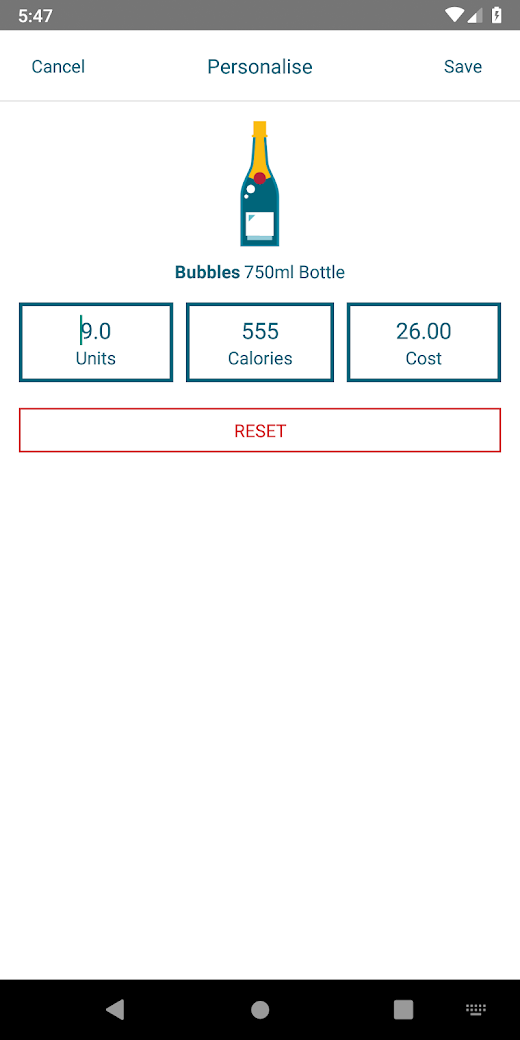
With DrinkCoach you will be able to:• Keep track of units, calories & cost• View & share seven day summaries of your drinking• Book a one-to-one session with a specialist Drink Coach• Set location and time based reminders• Set & share goals• Track hangovers, arguments, cravings and accidents associated with your drinking via a CBT diary• Watch bespoke video covering mindfulness and breathing exercises to manage cravings and help you achieve your goalsMinor updates and improvements
About DrinkCoach
- Package name (App ID)
- com.td.drinkcoach
- Available on
- Google Play
- Price
- Free
- Version
- v2.2
- Updated
- June 29, 2021
- Developer
- Humankind
Looking for the DrinkCoach APK?
The safest way to get DrinkCoach (com.td.drinkcoach) on your Android device is to install it directly from Google Play — you'll always get the latest official version, automatic updates, and no risk of modified or infected APK files from third-party sites.

Social Features
Connect and share with friends and the community.
Camera Features
Advanced camera features with editing capabilities.
Fitness Tracking
Track your workouts and monitor your health metrics.
See DrinkCoach in Action


What Our Users Say
Don't just take our word for it. Here's what our users have to say about this Android app.
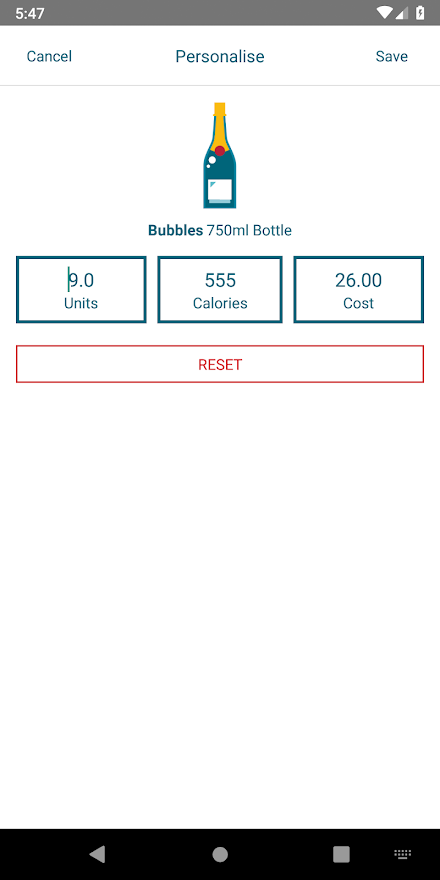
"Nice interface but very inflexible in terms of customising drinks. It will let you amend the calories, cost and units of a drink but not how much of it you had. In my first day using the app I had half a pint of cider and there was no way I could find to add it as the only option was a pint. As such I did not find it usable as a tracking app."
"Logged for 2 days now when I tap the day to log it is greyed out and won't let me add anything."
"Rubbish"
"Although the drinks can be somewhat customised the initial settings have them at quite a high percentage... 6%abv or 3.4 units for the beers (the average is 4.5% or 2.5 units). Also unable set customised sizes, such as the rather common 440ml cans. So for the average drinker not into relentlessly customising apps, it's going to over report the amount of units by around 30% which is just as counter productive as under reporting. To improve: * Have a calculator to convert units to abv% * Save totally customised drinks (i.e. pint of my favourite ale at 4.7, and favourite larger at 5% * Be much more realistic on the average strength for the preset drinks."
"Why in the world does this app need to track my location or have access to my photos?! No thanks, big brother"
"It is pretty good but measures units from Sunday to Saturday. It doesn't have a setting to start the week Monday. Also it would be great if the day of the week could be added, additional to the date"
"Great idea. Easy to use. Wish it had more settings like currency etc"
Frequently Asked Questions
Is DrinkCoach free?
Yes, DrinkCoach is free to download and install on Android through Google Play.
How do I install DrinkCoach on Android?
Open Google Play on your Android phone or tablet, search for DrinkCoach by Humankind or tap the Google Play button on this page, then tap Install. The app downloads and installs automatically.
What is com.td.drinkcoach?
com.td.drinkcoach is the App ID (package name) of DrinkCoach on Google Play. Every Android app has a unique package name, and it is the safest way to verify you are installing the official app.
Is DrinkCoach safe to download?
Installing DrinkCoach from Google Play is the safest option: you get the official version published by Humankind, verified by Google Play Protect, with automatic updates. Avoid APK files from unofficial third-party sites.
Get DrinkCoach Today
DrinkCoach for Android — free download on Google Play.
Compatible with Android phones and tablets — available on Google Play.
Ask AI about this app
Get instant answers about features, tips and more from popular AI assistants.